Reservation management
Never two customers for the same car again.
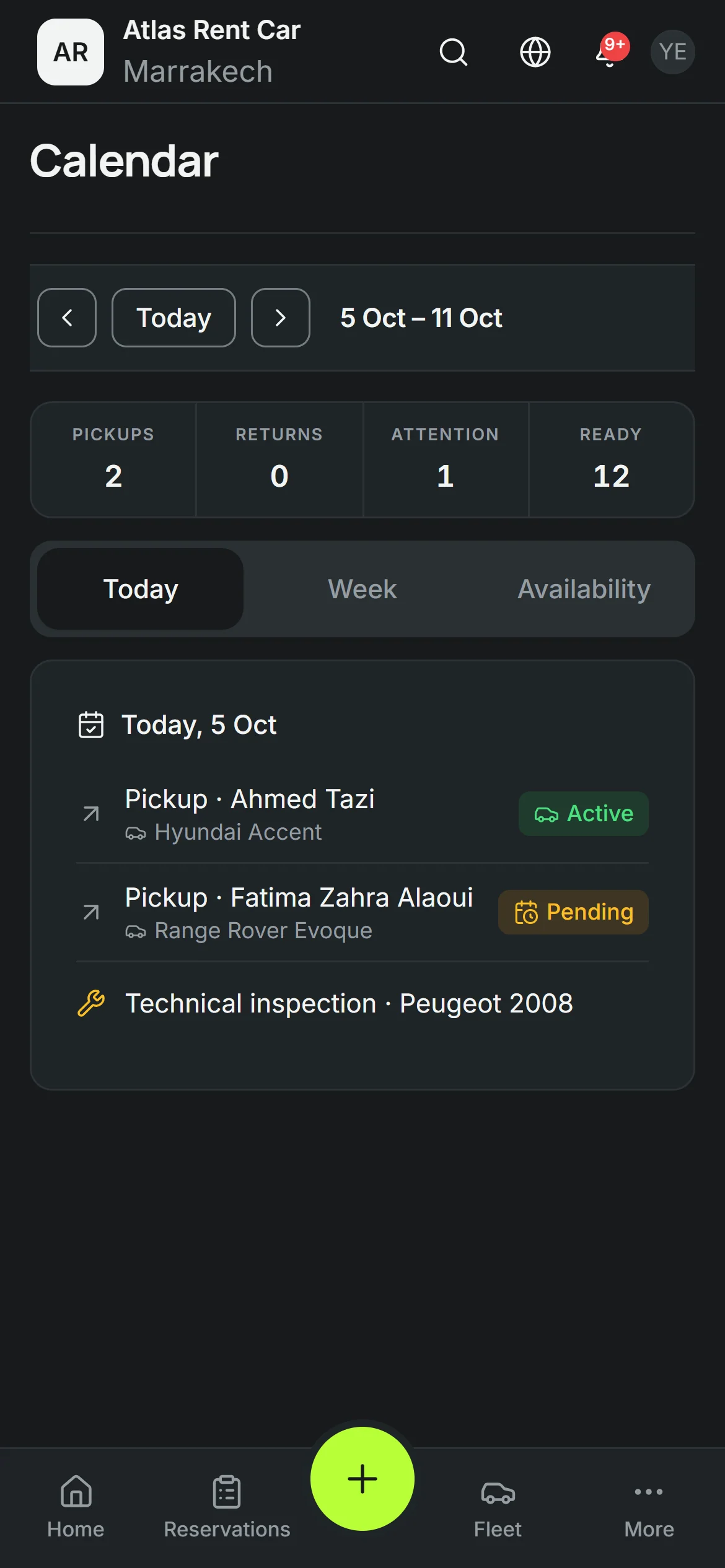
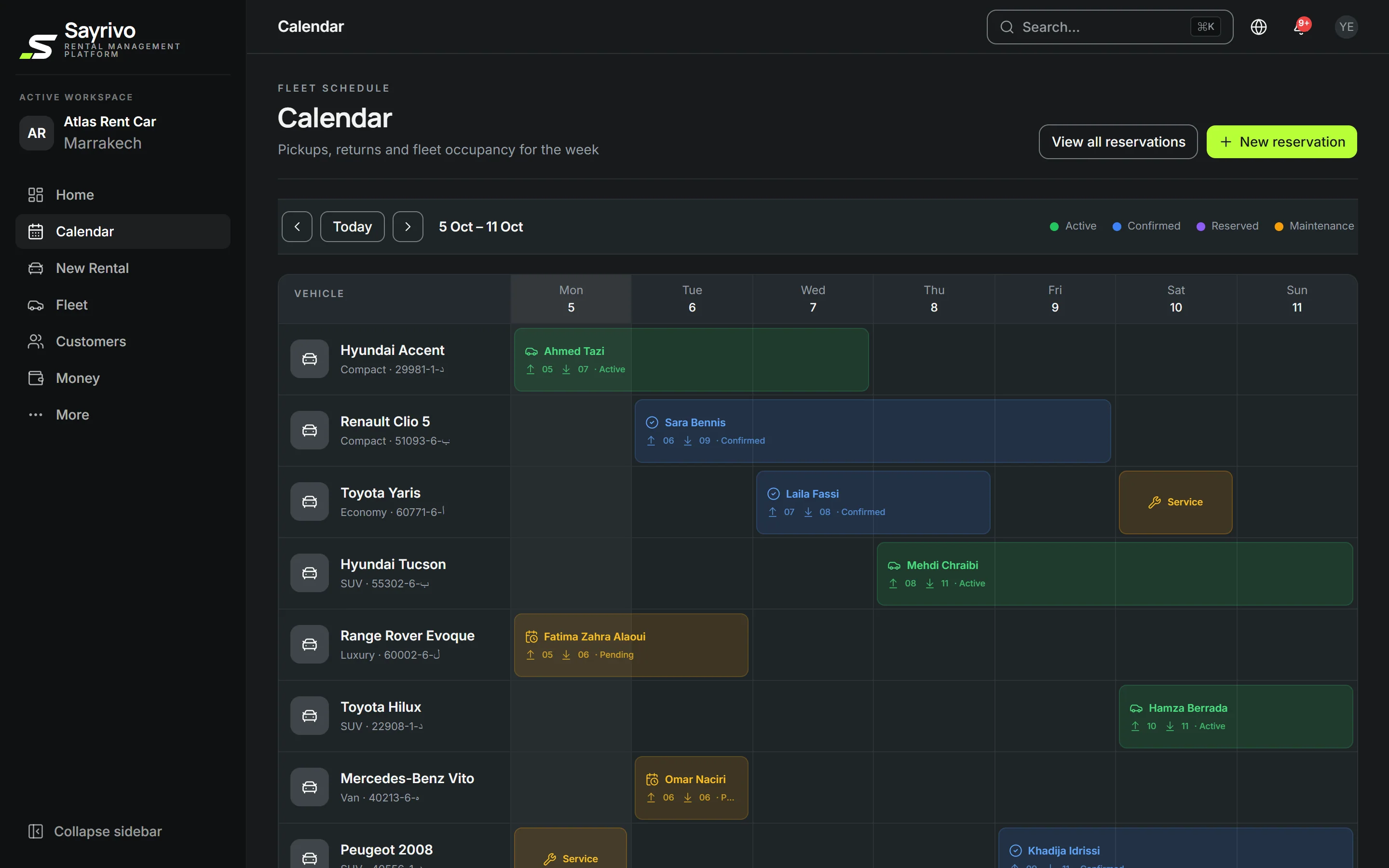
The calendar shows every car, every day. A confirmed reservation blocks the car: double bookings become impossible, even when two employees book at the same instant.
27-day trial · We set it up with you
A double booking loses you a customer — sometimes two.
- Bookings scattered across a notebook, WhatsApp and the phoneEvery reservation in one place
- “Is the Duster free on Friday?” — check everywhereFree cars for any period, at a glance
- Two employees promise the same carA confirmed car can't be booked twice
- A late return discovered while the next customer waitsToday's returns and late cars at the top
01Calendar
The whole fleet on one timeline.
Each row is a car, each cell a day. Pickups, returns and maintenance read at a glance — so do the gaps to fill. On a phone, the day fits on one screen.
02Protection
Double bookings, blocked by the system.
As soon as a reservation is pending, confirmed or active, the car is blocked for those dates. If someone tries to book it a second time, SAYRIVO refuses and explains why. Plain requests block nothing: several customers can ask for the same car, and you decide.
- Enforced by the database, not just by the screen
- Applies to requests from your website too
- A clear message: “vehicle no longer available”
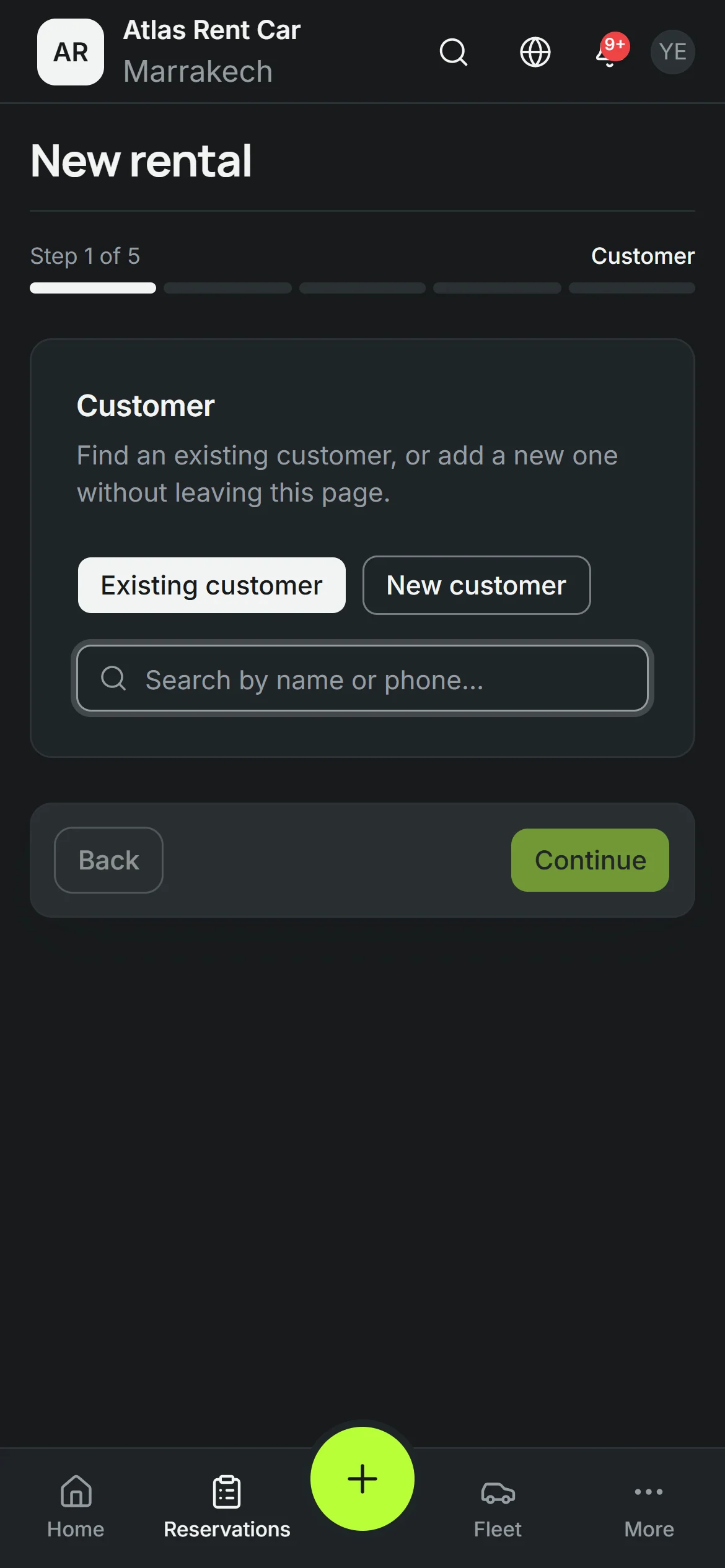
03New rental
From customer to car leaving, without changing page.
One sequence of steps: the customer, the car and rate, payment and deposit, the inspection, the contract. The ID card and licence are read from a photo; the price follows the daily rate and the number of days.
- Existing or new customer, without leaving the page
- ID card and licence read from a photo
- Pick up where you left off
04Online requests
Requests from your website land here.
The customer picks dates and a car on your booking page. The request arrives in your inbox: accept it and it becomes a reservation. To reply, WhatsApp in one click.
Booking website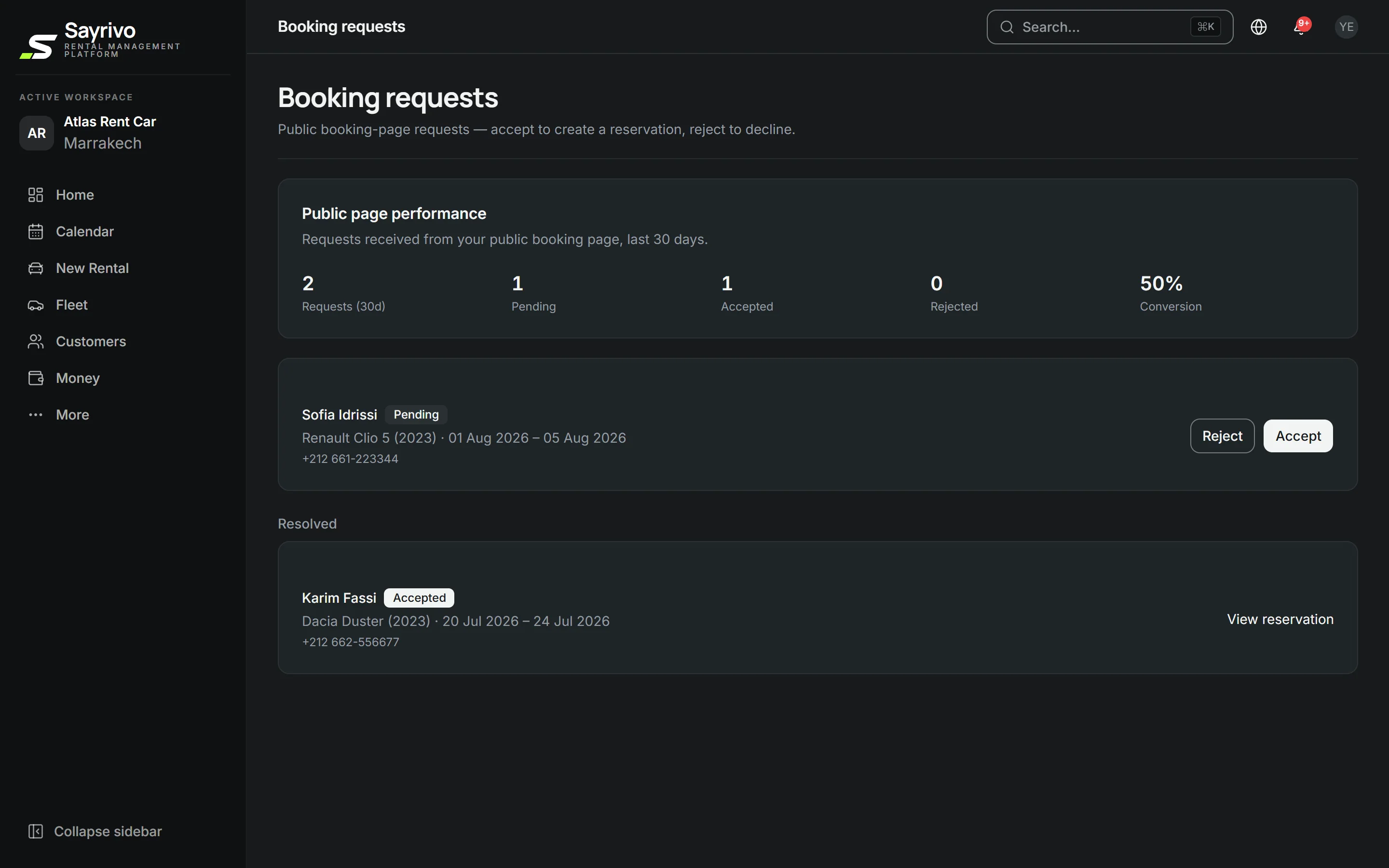
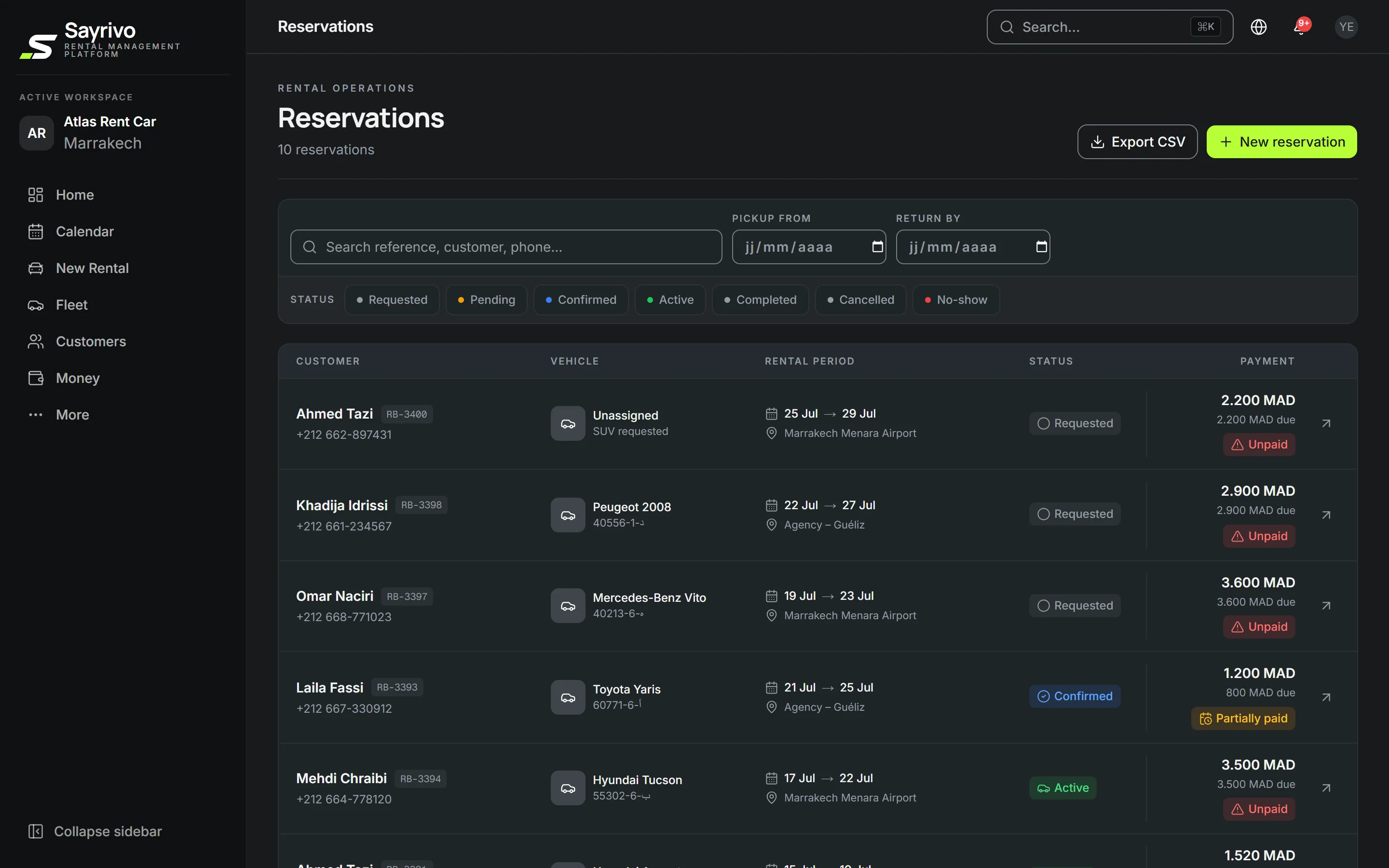
The life of a reservation.
- 01
Request
By phone, WhatsApp, at the counter or from your website.
- 02
Confirmed
The car is blocked for those dates. Nobody else can promise it.
- 03
Active
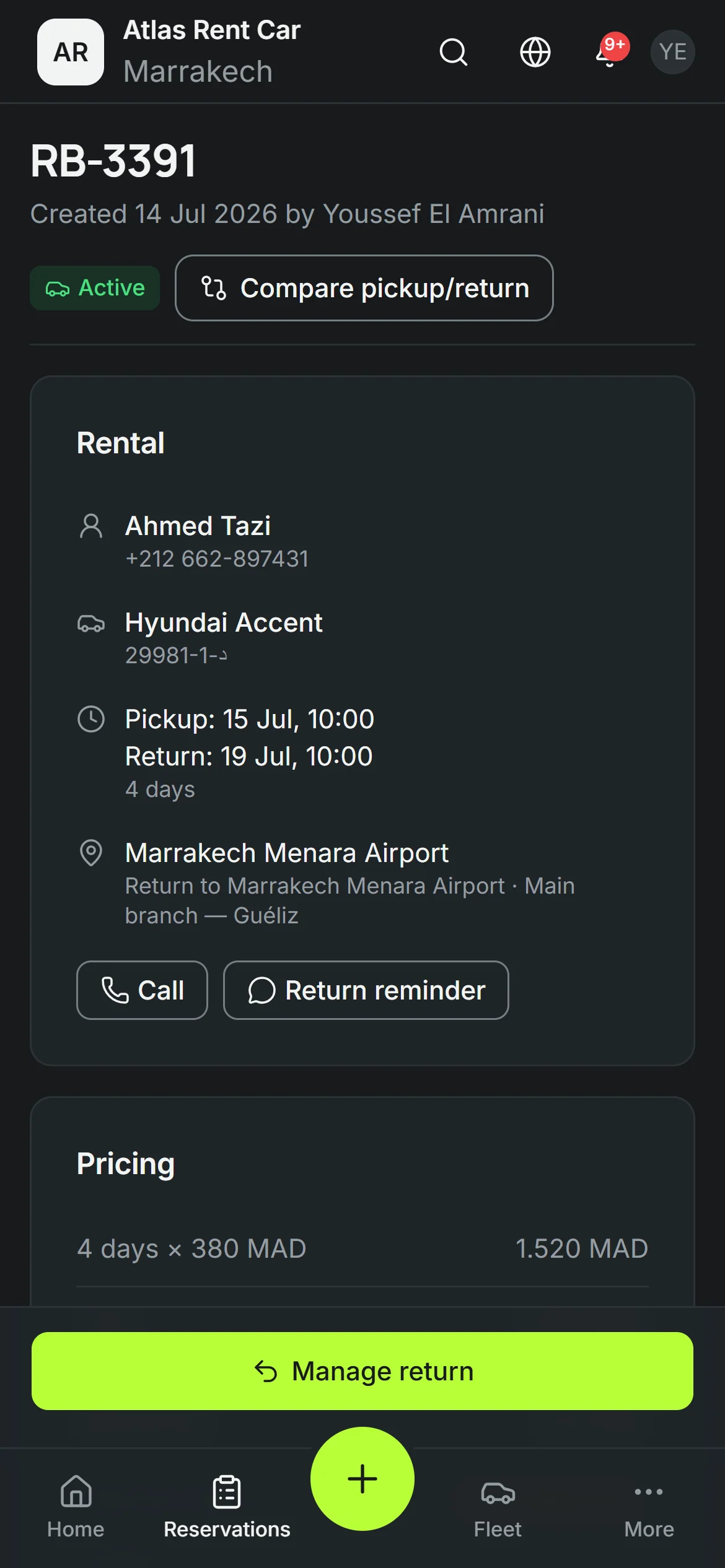
Picked up: inspection, contract, payment and deposit recorded.
- 04
Returned
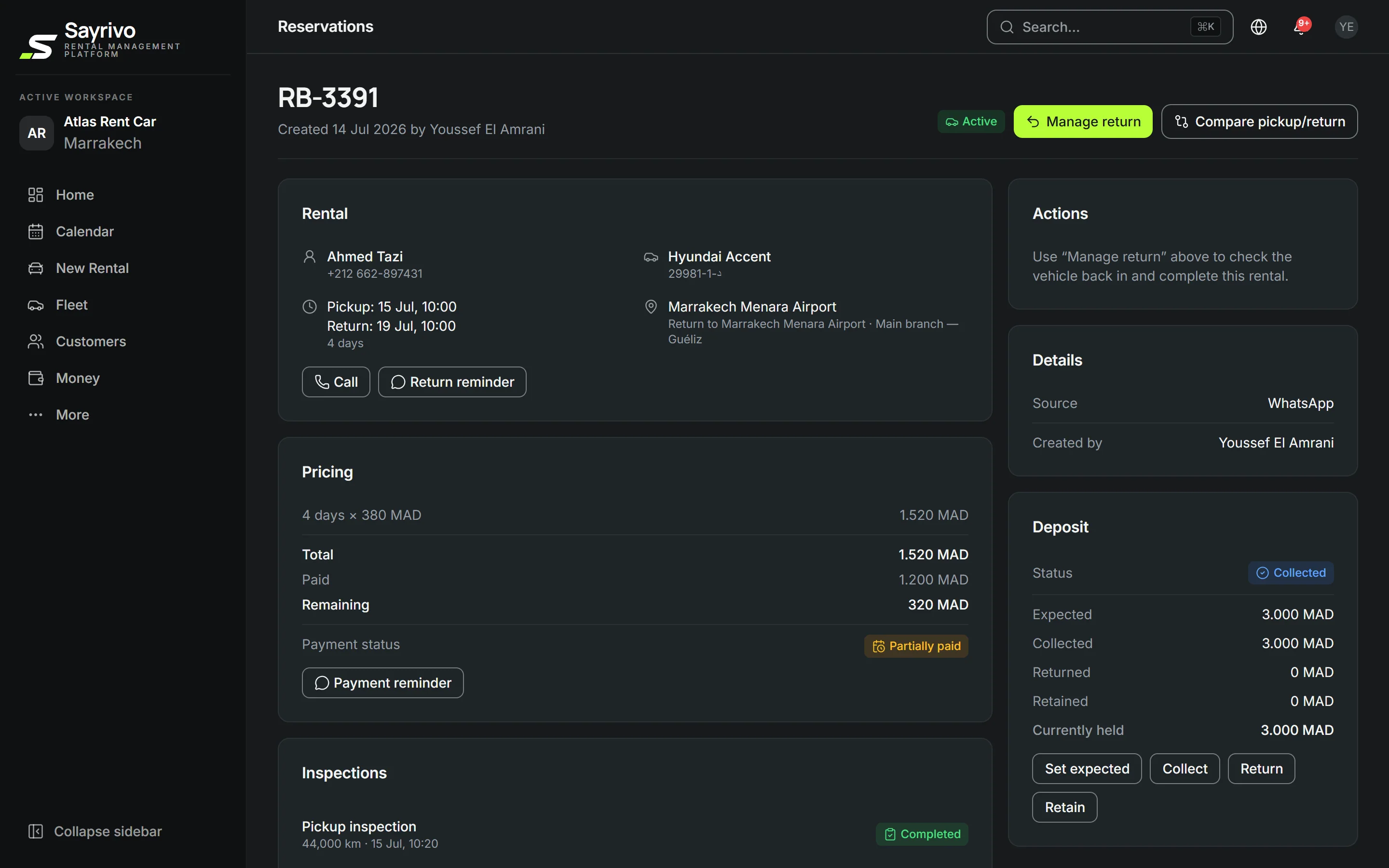
Return compared with pickup, deposit settled, car free again.
How does SAYRIVO prevent double bookings?
The rule is enforced by the database itself: two pending, confirmed or active reservations can never overlap on the same car. Even if two employees confirm at the same instant, the second one is refused with a clear message.
Reservation managementDoes a customer's request block the car?
No. A request stays a request: several customers can ask for the same car, and you decide. As soon as you confirm one, the car is blocked for those dates.
Can I record bookings that come in by phone or WhatsApp?
Yes. You enter it in seconds and note where it came from — phone, WhatsApp, website, walk-in. Every reservation ends up in the same place.
Can I create a rental from my phone?
Yes. The whole flow — customer, car and rate, payment and deposit, inspection, contract — works on a phone.
Can I send customers reminders?
Yes, on WhatsApp: return reminders, payment reminders. The message is drafted for you; you read it and send it yourself. Nothing is sent automatically.